

Goods in
Record deliveries against the correct products and suppliers as stock arrives.
Stock & inventory
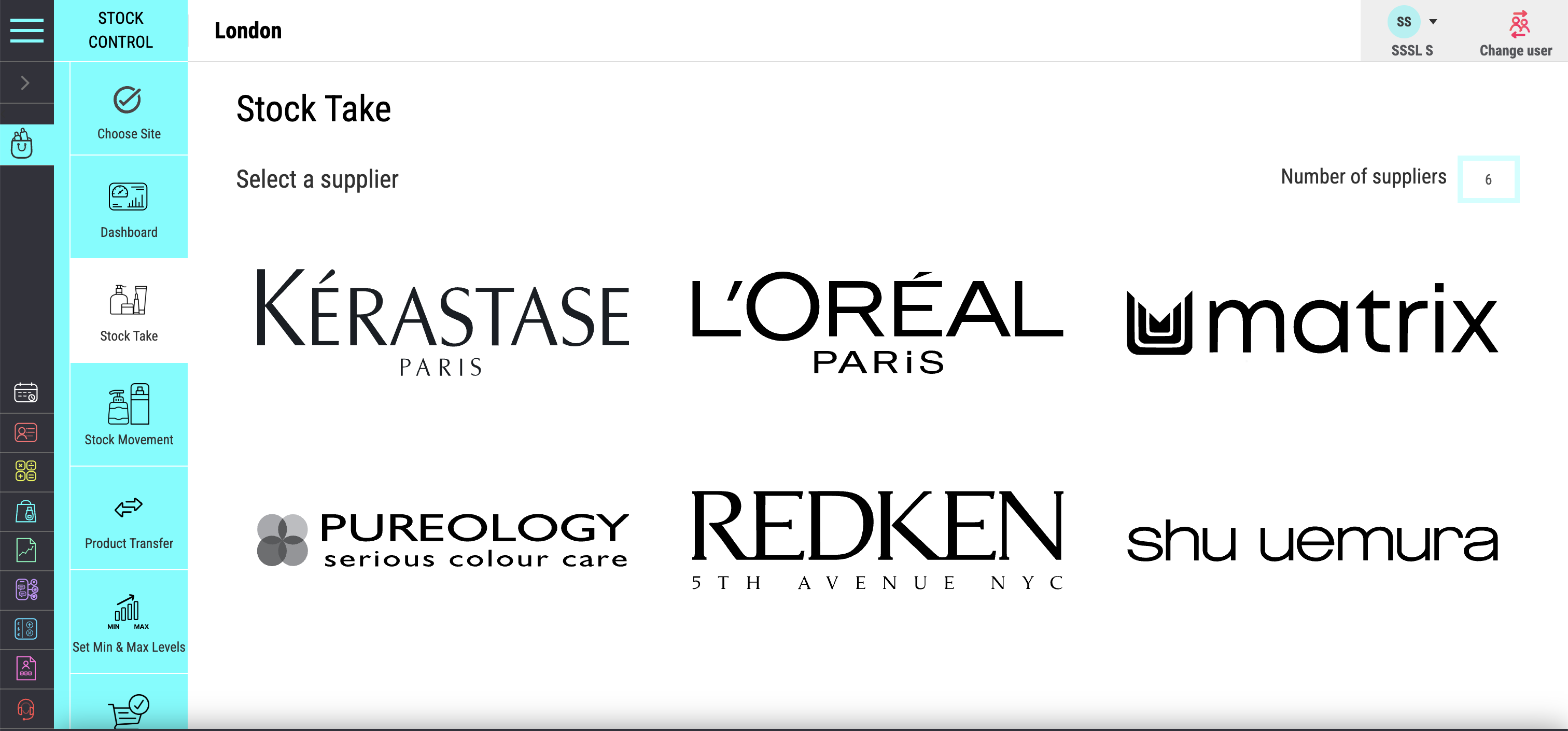
Salon Manager software connects stock levels, deliveries, product use, retail sales and supplier orders. Count products and scan barcodes on a phone or tablet during a stocktake. Our salon stock management software helps your team see what changed and what needs replenishing, with location transfers for businesses managing more than one salon.
A personal walkthrough • UK support • No obligation
Built around the working day
Too little stock can interrupt a service or lose a retail sale. Too much ties up cash on the shelf. Bring product movement, current quantities and supplier orders together before you decide what to buy. A clear record helps explain the count instead of simply replacing it.
Keep the products clients want available without tying up more cash than you need. Our all-in-one software connects purchases, retail sales and stock movement. Premium salons can prepare for services and retail recommendations with greater confidence. Multi-location teams can review transfers and local quantities before placing the next order.
Know what you have. Understand where it went.
Within an online salon management system, stock movement stays connected with everyday salon activity. Salon booking software and salon CRM records provide the visit and client context; checkout records the retail sale. Review deliveries, usage and physical counts before deciding what to order.
See how this connects with your salon POS.
The tools your team will use
Record deliveries against the correct products and suppliers as stock arrives.
Track sales, usage, wastage and manual adjustments so changes in quantity remain explainable.
Set the stock range you want to hold for each product.
Create supplier orders using current quantities and the levels you want to maintain.
Check quantities and scan barcodes from a phone or tablet while working in the stockroom.
Move stock between salons and retain a clear record of the transfer across the group.
From features to everyday work
| Movement | What to record | What it helps explain |
|---|---|---|
| Delivery | Products and quantities received from the supplier. | Why stock increased and which order it relates to. |
| Retail sale | The product sold through the salon POS. | What left the shelf as a client purchase. |
| Professional use or adjustment | Product use, wastage and authorised corrections. | Why quantities changed outside a retail sale. |
| Stocktake | The quantity counted on site. | Differences between recorded and physical stock. |
| Location transfer | Products moved between salons. | Where group stock is held after the move. |
Recorded stock is only as accurate as the movement entered. Regular stocktakes help your team investigate differences in deliveries, product use, sales or wastage.
Make it work your way
Add products, barcodes, suppliers, cost and retail prices. Record opening quantities for each location.
Record deliveries, sales, professional use, adjustments and transfers. Use stocktakes to check the physical count.
Compare current quantities with your minimum and maximum levels. Prepare supplier orders and check for stock at another site.
Salon software UK
The best salon software for inventory should connect product quantities with everyday stock movement. Follow a product from supplier delivery to retail sale or professional use. Check whether the team can record a correction and explain it later. When comparing salon software for groups, test a location stocktake and a transfer.
For the wider salon software system, compare packages and inclusions and see the full feature range.
Stock control is one part of the wider platform. An AI salon receptionist supports routine appointment calls, while your team uses the connected diary, checkout and stock records through the working day.
Frequently asked questions
Clear answers about stock & inventory, before you choose your setup.
Have a workflow we have not covered? Talk it through in your demo.
Build your connected salon
Connect retail sales with product records.
Review retail and stock performance together.
See stock and transfer needs across your group.
Your salon. Your workflows.
Bring a supplier order or a product list. We will show barcode counts, deliveries, reorder levels and transfers around your salon’s workflow.


